ERP-Connected BI Dashboards for Production Line Monitoring
Real-time dashboards let manufacturers act on production problems before they become costly delays.
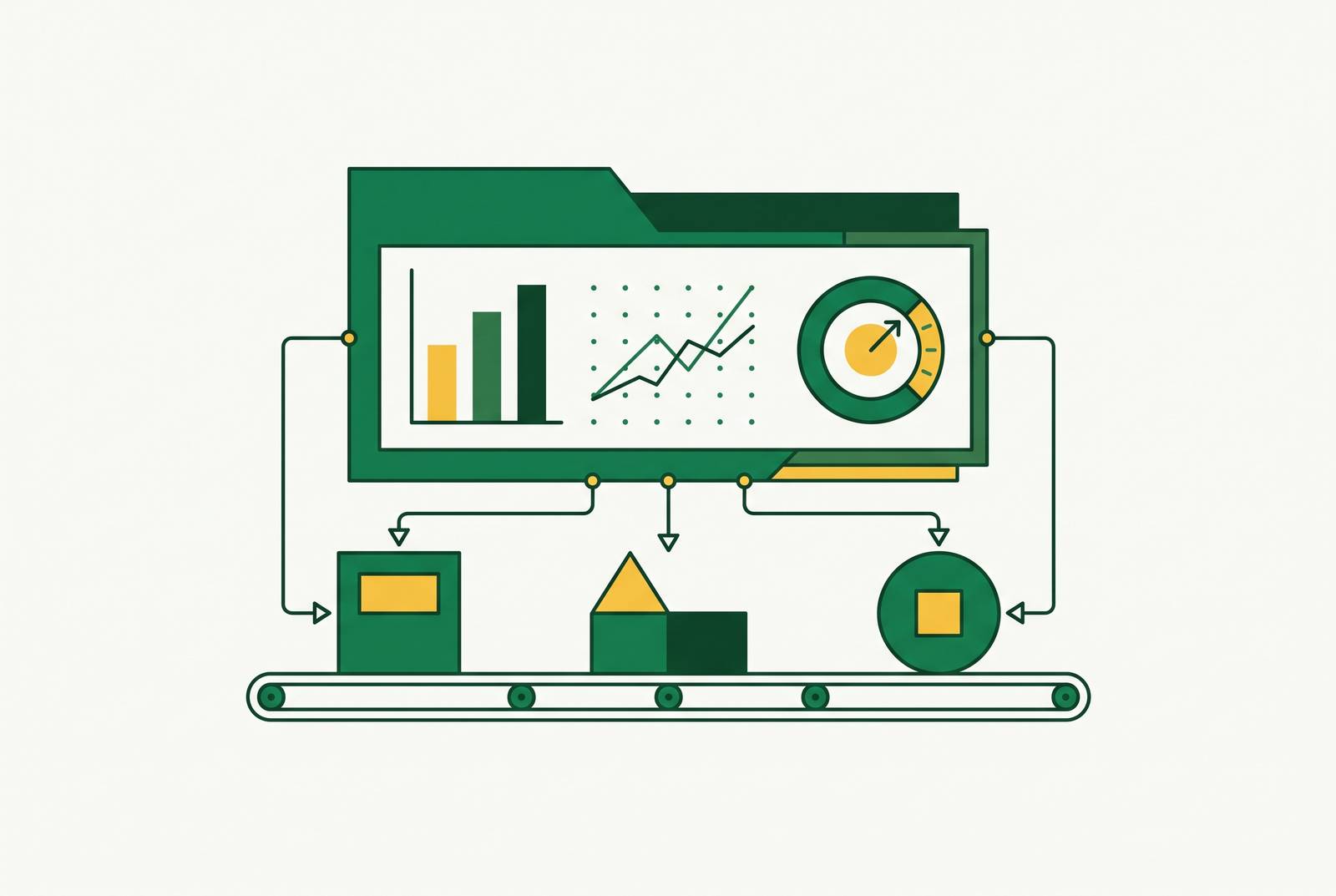
ERP-connected BI dashboards for production line monitoring bring records on equipment, production, quality, and the business into one place to help people make decisions. Their value is not simply faster reporting, but the ability to connect a shop-floor event to an operational or financial response while there is still time to act. Seeing what happens in a plant also helps industrial suppliers know which facilities need their products and services.
The visibility problem that ERP-connected BI dashboards are built to solve
A supervisor reads the data from yesterday’s shift at the morning meeting. The report identifies a bottleneck, but the affected order is already late. Defective units have moved downstream, and the opportunity to adjust production during that shift has passed. The report may be accurate, yet it arrives too late to support the decision that mattered.
With ERP exports, shift-end summaries, and weekly operations reviews, time passes between what happens in production and when the people who need to act hear about it. VAI says this leads to missed delivery windows, downstream defects, and bottlenecks that cause late shipments before the people making decisions see them. A shortfall that could have prompted an in-shift adjustment can instead become a chargeback, a lost order, or an expedited production run at premium cost. The failure is therefore not a shortage of data, but a reporting cadence that turns preventable problems into recorded costs. Closing that gap is a leadership infrastructure decision as much as a plant-floor improvement.
What the ISA-95 stack actually looks like, and where the gap lives
The ISA-95 framework shows how business planning is separate from production control. ERP is at Level 4, where it plans and records business transactions. MES sits at Level 3, managing work orders, routing, and quality workflows, while machine controllers operate at Levels 0–2 and capture equipment activity in real time. A controller knows a spindle has stopped, and the ERP knows an order is due. Both facts are needed to tell whether the stoppage puts delivery at risk.
An ERP-connected BI dashboard brings those facts together through live machine signals, MES workflows, and ERP order records. Parsec identifies PLCs, MES, ERP, IIoT devices, and manual inputs as the sources a unified dashboard must span. Each contributes context that the others lack, so integration requires more than moving values onto a screen. It must also bridge ownership boundaries between maintenance and engineering at the equipment level and finance and operations leadership at the business level.
Commercial teams face a similar divide because their CRM often lacks data on what happens in production at each plant. Company headcounts and industry classification codes do not explain what a particular facility makes, runs, or buys. Industrial intelligence platforms, including Corvus, help fill that gap with profiles of each facility. The shared principle is that useful decisions require information at the level where the work actually happens.
How ERP-native dashboards differ from standalone BI tools connected by an integration layer
Visual features are secondary to latency, maintenance, and trust in the architectural choice. In an ERP-native design where Shop Floor Control, Work Order Management, Inventory, Financials, and Sales share one database, a recorded output event appears immediately without an intervening synchronization step. That arrangement removes reconciliation lag within the shared system. It fits manufacturers whose reporting needs can be served within that environment, although it constrains flexibility.
Standalone platforms such as Power BI, Tableau, Qlik Sense, and Looker offer flexible reporting across connected systems. They also require data preparation, modeling, and ongoing integration support. VAI illustrates the risk with inventory figures that reflect a sync from six hours ago, leaving a decision-maker looking at an approximation of current stock. This is not an argument against standalone BI, but a reason to treat acceptable latency and maintenance capacity as design requirements.
Much of the integration work comes before dashboard design, in shared keys, aligned time windows, maintained history, and agreed KPI definitions. Manufacturers with separate ERP instances may reuse order numbers across sites, so every shared key must include the site or instance to prevent corrupted aggregation. Security imposes another boundary regardless of architecture. Analytics should use approved read-only paths and network separation, with no write-back to control systems unless a separate, explicitly reviewed design permits it.
The KPIs a production dashboard should track, organized by who uses them
Plant managers and production supervisors need output versus target by line and shift, current work order status, and capacity utilization that exposes bottlenecks. Late work orders warn that deliveries could fail while there is still time to act. OEE, or Overall Equipment Effectiveness, measures how a machine is doing with the formula Availability × Performance × Quality. Showing its components identifies where the loss behind a lower score occurs. Harmoni describes machine tiles with color-coded status, performance percentage, and output rate as a way to read the floor at a glance.
Quality managers need to see defect rate, first-pass yield, scrap rate, and rework quantity for each work order and production run. Root-cause indicators help explain the loss, while traceability connects raw material lots to final products. Parsec describes detailed traceability and audit-ready documentation as part of the quality dashboard’s role. Quality data from the current run helps teams take corrective action within the same shift, while a weekly summary shows costs they have already absorbed.
Finance leaders and executives need to see actual versus standard cost per unit, labor variance, and material consumption versus bill of materials. These measures connect the production result to its economic consequence. A dashboard limited to output and equipment performance leaves that connection unresolved, even when its operational figures are current. VAI distinguishes production efficiency without cost context as an operational metric and production efficiency with cost context as a margin metric. For executives, cost is therefore not a supplementary view but the link between shop-floor performance and business performance.
Supply chain and planning teams need material availability, supplier delays, purchase order status, WIP levels, inventory turnover, and supplier on-time-in-full performance. These measures show how readiness for production depends on the flow of materials as well as equipment. Maintenance teams need a different view, including condition indicators, downtime reason codes, MTTR and MTBF trends, and backlog priorities. Jitbase emphasizes downtime minutes by category because categorization makes targeted improvement possible. Across these roles, its core metric set comprises OEE and its components, actual versus standard cycle time, throughput in parts per hour, downtime minutes by category, and cost per part.
Why passive dashboards fail and what makes a dashboard genuinely active
Harmoni identifies data quality, incompatible legacy data models, and the effort of contextualizing raw data as barriers that a display alone cannot remove. A machine turning red does not explain whether the operator is on break, setup is in progress, or a component is missing. Without that context, a supervisor must guess or walk the floor. The dashboard has detected a symptom but has not supported a diagnosis.
An active dashboard connects that signal to a next step. Harmoni describes downtime events that open categorization prompts, machines falling behind that trigger alerts, and drill-down views that expose underlying causes. The relevant workflow may involve opening a work order, assigning a technician, or escalating an issue. These ways to respond make the interface useful, but they do not give users permission to control equipment directly. Bold BI illustrates the approach through alerts for rising downtime, low OEE, or cost anomalies and drill-down from plant to line to machine to shift.
Software features still need an operating cadence. Jitbase recommends a production huddle at shift start using the dashboard’s shift summary and exception list, a mid-shift review of running exceptions, and a daily shift summary emailed to supervisors. Drill-down then gives teams the detail they need to look into an exception. Jitbase states that a well-designed dashboard can shorten root-cause detection from hours to minutes, which is the practical difference between watching performance and acting on it.
How production line data becomes a sales intelligence signal for manufacturers' commercial partners
For metalworking fluid suppliers, production conditions are also indicators of purchasing and service needs. Concentration levels, pH drift, fluid life cycle, consumption variance, equipment runtime, and cycle time changes can reveal when an account is ready for a service call, product conversion, or expansion conversation. Fluid buyers now look for fluids that last longer between replacements, generate less mist, and pose less risk of operator exposure. Buyers also prioritize compatibility with multi-metal machining as contract manufacturers handle mixed-material runs within the same facility. The commercial offer therefore extends beyond formulation to technical service and fluid management.
A dashboard that surfaces consumption variance and fluid life cycle data from MES supports that service model. When those signals are available to a supplier, they can provide the context for intervention before the customer recognizes a problem. Broader events also indicate purchasing need, including new facilities, equipment purchases, production lines, increased CapEx budgets, automation plans, and changes in management or ownership. These are facility-level signals. Their value lies in connecting what a plant does to what it may need to procure.
Access remains the constraint because customer-facing teams rarely see the ERP records that reveal falling order volumes, rising service tickets, or gaps in purchasing patterns. Corvus addresses the outside-in version of this problem by indexing what manufacturing facilities make, what equipment they run, and what they ship. That plant-level intelligence complements a CRM, but it is not the same as access to a customer’s live production dashboard. For specialty chemical and metalworking fluid prospecting, the relevant distinction is between identifying a company and understanding a facility’s production fit. The latter gives commercial teams a basis for qualifying accounts through the processes and equipment their products serve.
What manufacturers should evaluate when selecting or building an ERP-connected dashboard
Manufacturers must establish which data is available from CNC programs and controller telemetry, PLCs, MES workflows, ERP records, and IIoT sensors. These sources require different collection approaches. Jitbase’s 2026 guide recommends CNC-derived cycle times through G-code or controller telemetry, lightweight operator inputs, and ERP order data, using tools that support edge collectors and OPC-UA or MTConnect. The resulting source map establishes what the dashboard can reliably show.
Role-specific views come next, before visual design. Parsec and Bold BI identify different views for operators, supervisors, and executives as a core design principle. For multi-site reporting, this planning must also resolve shared order number spaces and inconsistent KPI definitions before aggregation can be trusted. The architectural decision then turns on acceptable delay and the integration overhead the organization can sustain. Immediate shared-database reporting and flexible cross-system analysis meet different needs, so the choice depends on what the manufacturer needs.
Power BI, Tableau, Qlik Sense, Looker, and Sisense serve general BI needs, while Ignition and Tulip take a factory-floor-first approach and Grafana serves industrial monitoring. Microsoft Dynamics 365 Business Central’s Manufacturing Power BI app is an ERP-vendor-native example and has been generally available since the 2024 release wave 2. Its coverage includes work center utilization, capacity load, consumption and capacity variance, scrap, production times, and work-in-progress. These examples establish possible directions rather than a ranking detached from the manufacturer’s reporting and connectivity requirements.
Alerting and drill-down should then be tested against a real production exception. Test whether a supervisor can categorize the cause, assign a response, and track resolution from the dashboard. Enterprise deployment also requires role-based access control, row-level security, single sign-on, and audit logs. These controls make cross-plant sharing governable without erasing the boundary between analytics and equipment control.
For industrial suppliers, a manufacturer sourcing a production dashboard may also be at a decision point for the consumables, chemicals, and services that monitoring will govern. Customer dashboard access, internal account records, and facility intelligence from options such as Corvus offer different ways to understand that need. Plant profiles can make account selection more specific than company-level classification. The final test is the same on both sides of the factory boundary, whether the information connects a production reality to a decision that can still be acted on.